
Site Mapping
Interactive site maps with CAD import, real-time collaboration, and equipment placement. Design your event layouts visually.
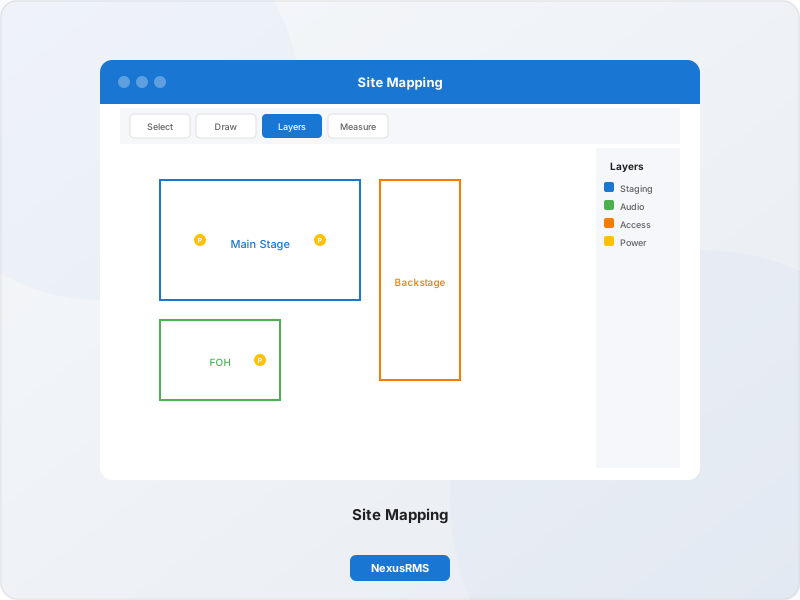
Interactive Site Mapping
Design event layouts with CAD import, equipment placement, and real-time collaboration
Interactive Canvas
Zoomable, pannable canvas with snap-to-grid and alignment guides.
CAD Import
Import DWG and DXF files with automatic layer conversion.
Layer Management
Organise elements across multiple toggleable layers.
Equipment Placement
Drag-and-drop equipment from your inventory onto the map.
Cable Routes
Plan and visualise cable runs with automatic length calculation.
Power Zones
Define power distribution zones with load calculations.
Safety Zones
Mark fire exits, assembly points, and restricted areas.
Real-Time Collaboration
Multiple users editing simultaneously with live cursors.
Annotations
Add notes, measurements, and callouts to any element.
Professional CAD Import
Import DWG and DXF files directly into your site maps. Automatic coordinate extraction, layer conversion, and background image support.
Live Collaboration
Multiple team members can edit site maps simultaneously with live cursor tracking, threaded comments, and full revision history.
Live Cursors
See where other team members are working in real-time
Comment Threads
Pin comments to specific locations with @mention support
Revision History
Browse and restore any previous version of the site map
Change Tracking
See who changed what with timestamped activity logs
Equipment Placement
Drag-and-drop equipment onto your site map with smart positioning and auto-layout
Drag & Drop
Place equipment directly from your inventory with real-time availability checks.
Bulk Placement
Position multiple items at once with grid and spacing controls.
Auto-Layout
Intelligent algorithms suggest optimal equipment positioning.
Advanced Layer Management
Organise your site maps with dedicated layers for equipment, cabling, power, safety zones, and custom overlays. Toggle visibility and lock layers for focused editing.
Equipment Layer
Speakers, lights, and rigging
Cable Layer
Cable routes and patch points
Power Layer
Distribution and load zones
Safety Layer
Exits, barriers, and zones
Site Mapping Feature Highlights
Comprehensive tools for professional event layout design
Site Mapping Addon
£49/month
ex. VAT
Add interactive site mapping to your NexusRMS subscription
View All PricingReady to Try Site Mapping?
Start your 14-day free trial with full access to all features.
Start Free TrialNo credit card required • 14-day free trial • Cancel anytime